
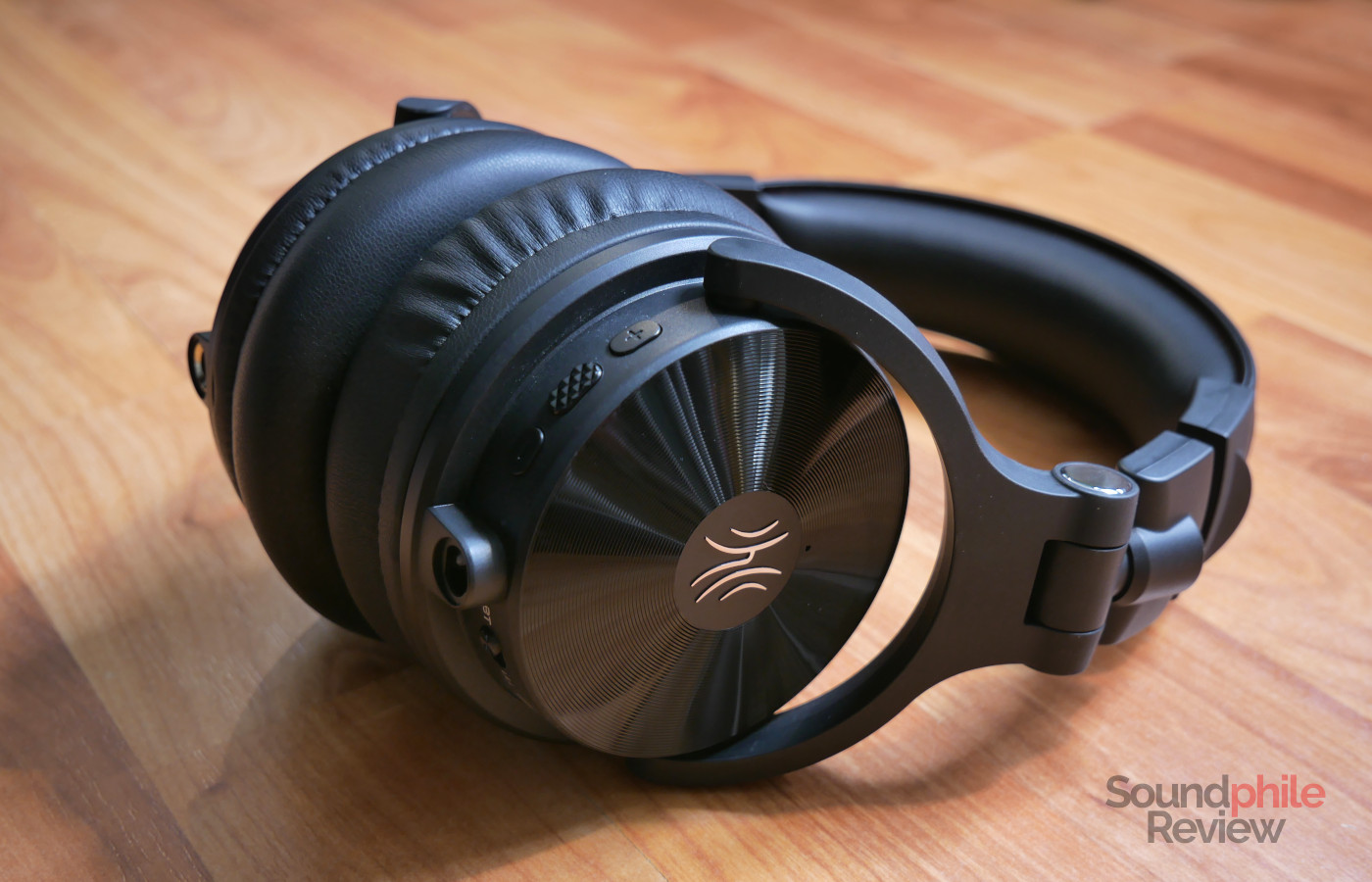
There are times, as a headphones reviewer, when you wonder who tuned the products you’re trying and what kind of user they had in mind. In the case of the OneOdio Studio Max 2, we have an answer to both questions: the DJ KSHMR tuned the headphones, and they are aimed at DJs. As it often happens, a famous name isn’t a guarantee of quality and, as a further confirmation of this, the Studio Max 2 have huge sound quality issues. The innovative ultra-low-latency RapidWiLL+ connection is a highlight, but it’s the only one.
Disclaimer: I received a pre-release sample from OneOdio’s UK press agency for the purpose of this review. The Studio Max 2 retail for $189. Additional information on the official website. You can get 15% off on both the official website and Amazon using the code STUDIOMAX2PR.
TL;DR: recap
| Pros |
Cons |
| + Low-latency connection
+ Extremely long battery life |
– Tuning sounds completely wrong
– Stuttering – Low passive isolation – Uncomfortable – Minimum volume is way too high – Playback delay with Bluetooth |
Rating: 4/10
Packaging & Accessories
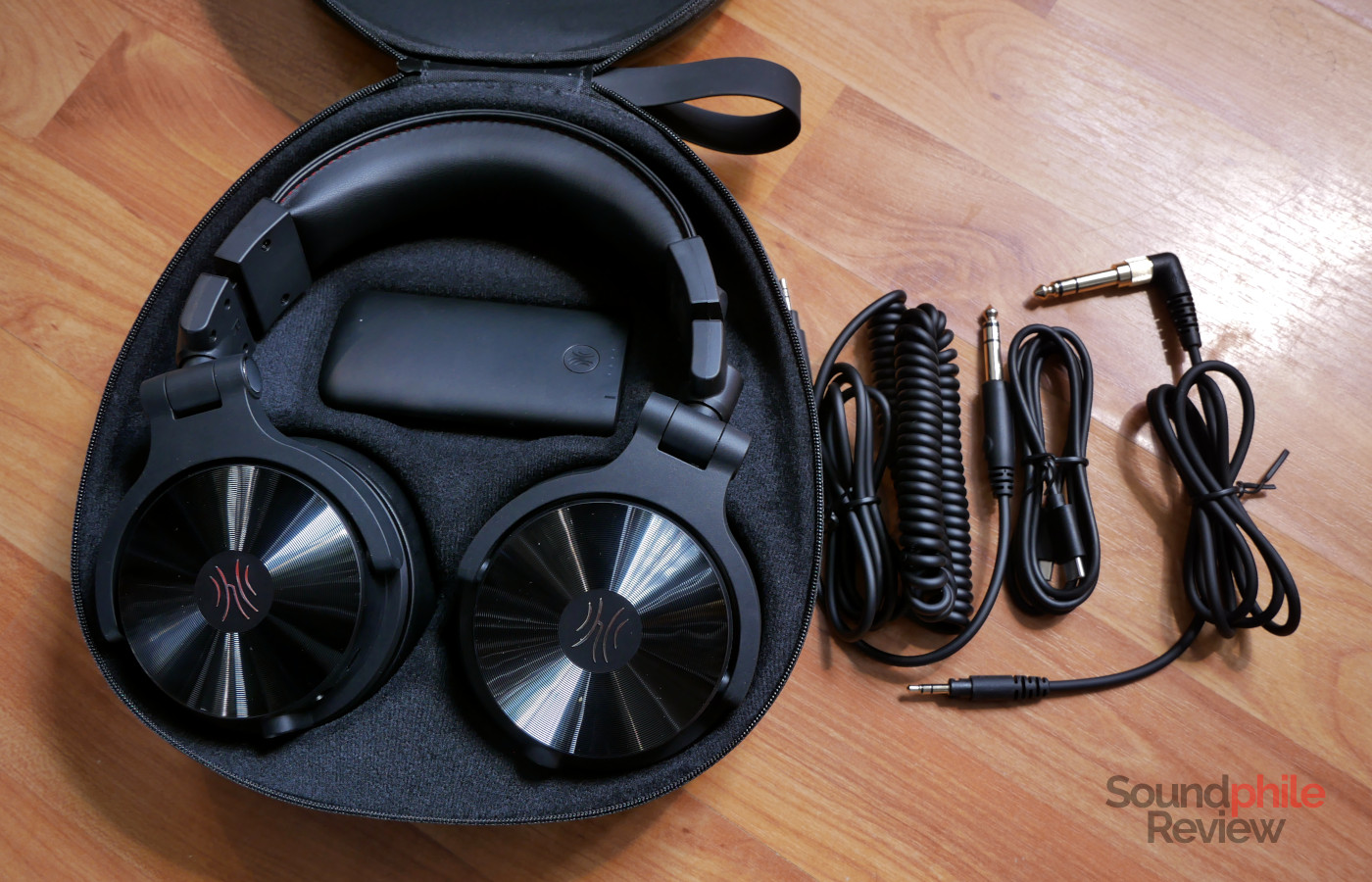
The OneOdio Studio Max 2 come in a simple cardboard box that contains a hard shell; this, in turns, contains the headphones, a 3.5 mm to 3.5 mm jack cable with a screw-on 6.3 mm adapter, as well as a transmitter device and a USB to USB-C cable to recharge the transmitter and connect it to a computer. There is also a manual.
One thing to note is that the case is very bulky, as it contains the headphones simply laid horizontally. As they are quite large, this means that they will take up most of the space inside a backpack – in fact, they completely fill mine. In contrast, by simply folding the headphones, they are a lot easier to carry as they take up about half the space.
Design & Comfort
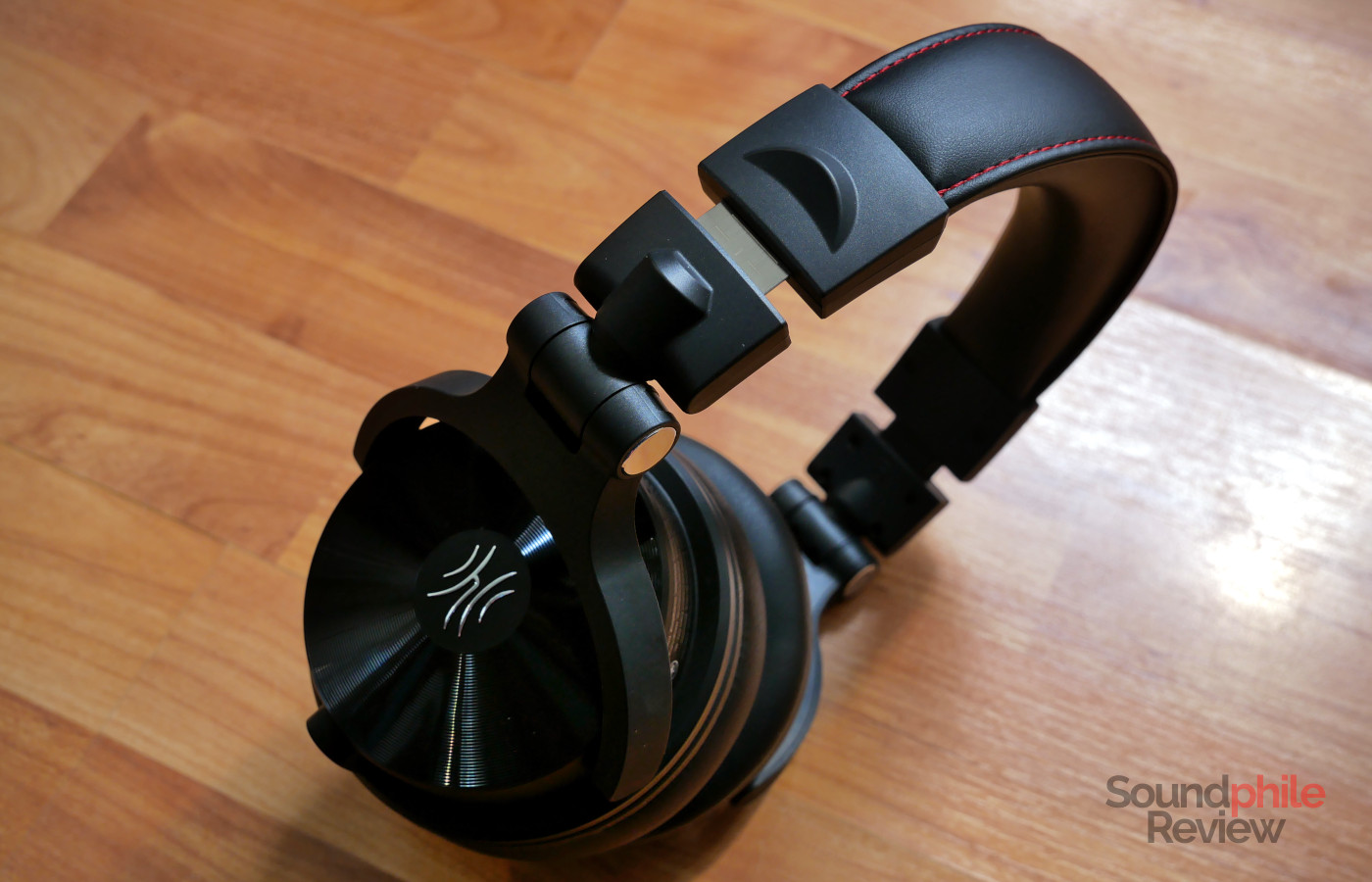
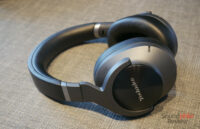
The OneOdio Studio Max 2 are virtually identical to the other headphones by the company which I have tested: very large earcups with a groovy, vinyl-like exterior, and a foldable design which also allows the earcups to swivel 180° so that you can use just one earcup at a time – a usual feature in DJ headphones and one we’ve already seen in previous OneOdio headphones.
The headphones are entirely made with matte black plastic; the adjustable headband is the only element that contains metal (for rather obvious reasons). Build quality is very mixed, as the plastic seems solid enough but you can see moulding lines all over the place, which is quite unusual for a product costing $250 and more in line with the sub-$100 products that OneOdio has on the market.
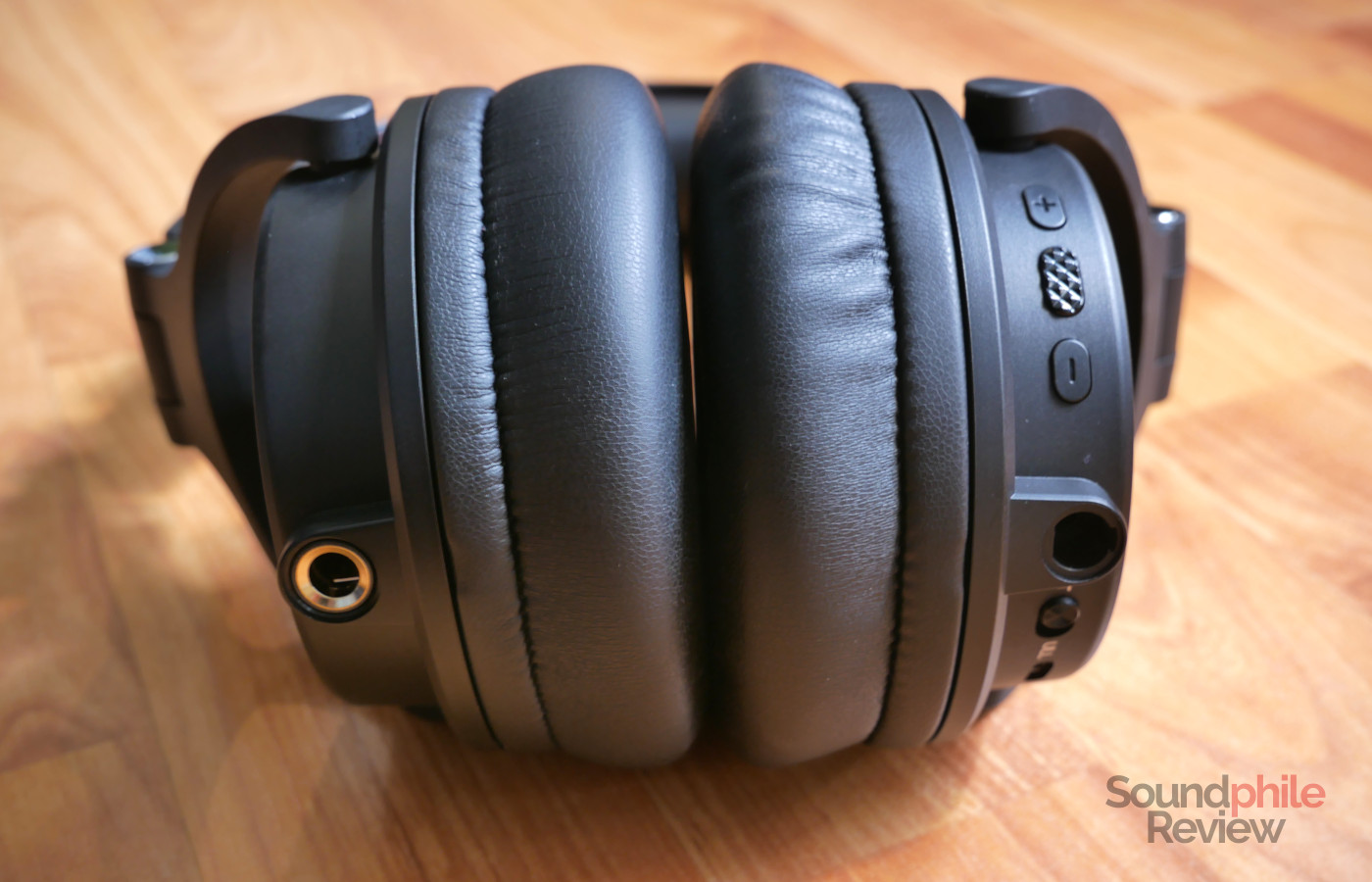
The distinctive feature of having both 6.3 mm and 3.5 mm inputs, which is OneOdio’s signature feature, is maintained in the Studio Max 2; the 3.5 mm input works with the included cable so that you can lock it in place, which is quite handy to ensure that the cable won’t accidentally disconnect.
As the OneOdio Studio Max 2 are wireless headphones, they feature controls which are located on the right hand side earcup. These include volume buttons, a power button, as well as a switch between Bluetooth and RapidWiLL+ connections and a USB-C port.
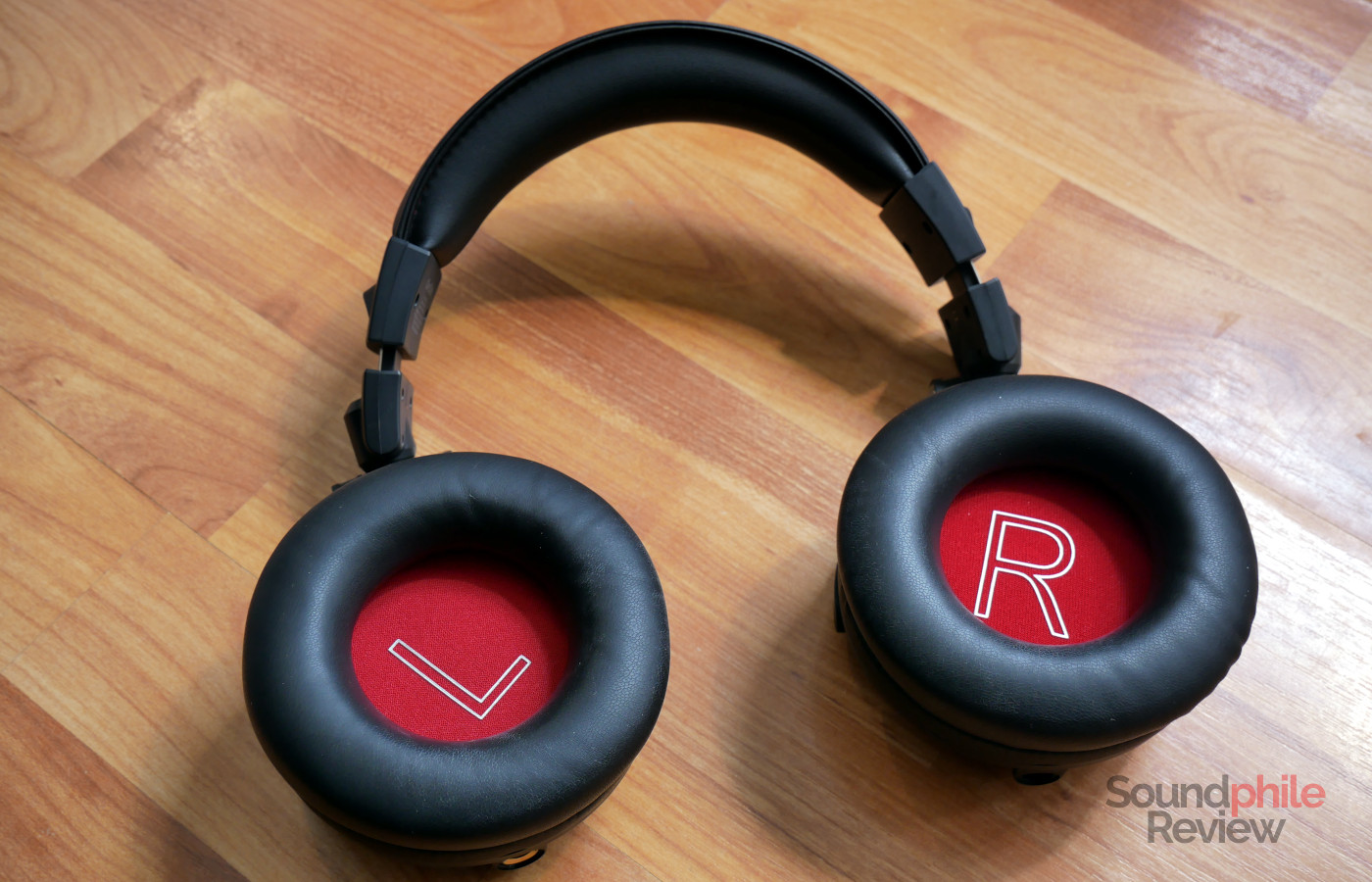
The headband has some padding, but it is very thin and doesn’t really prevent the metal band inside it from pressing against your skull. This isn’t helped by the weight of the headphones, which is 353 g. As a result, the Studio Max 2 become uncomfortable after about half an hour of usage in my case, although I have very sensitive scalp so you will probably have a (slightly) better experience. The earpads are much better as they’re soft and abundant, and they enclose your ears completely even if, like me, you have relatively large ears.
DJ headphones normally give you a lot of passive isolation, so that you can hear what you’re monitoring directly and clearly. In the case of the Studio Max 2, however, the isolation provided is not great. I can hear the sound of my keyboard as I type these words almost without any difference compared to when I am not wearing the headphones. This makes the Studio Max 2 less useful than they could be for their intended purpose.
Extra Features & Battery Life
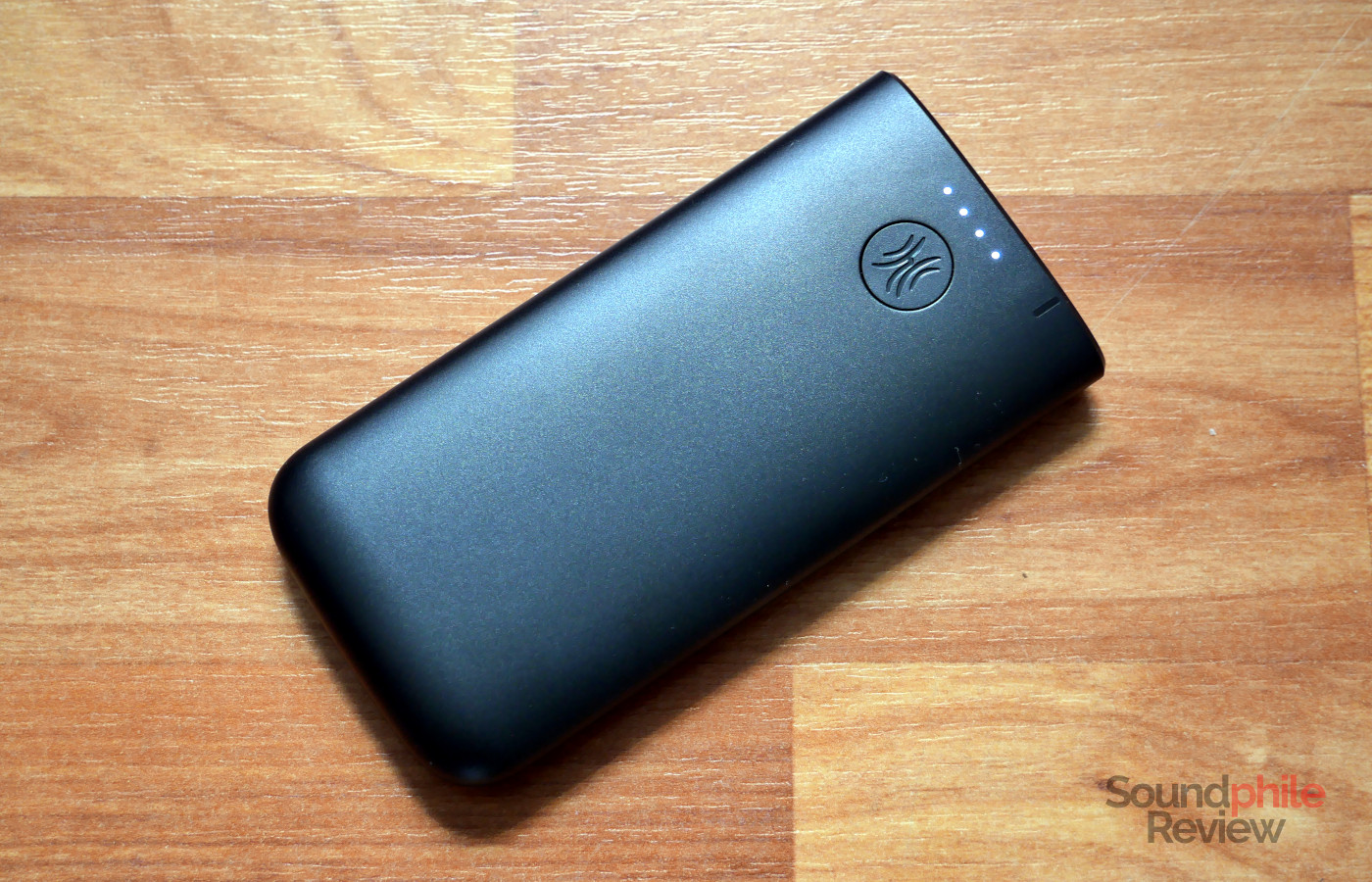
The OneOdio Studio Max 2 offer compatibility not just with Bluetooth, but also with OneOdio’s proprietary ultra-low latency connection (ULL for short), called RapidWiLL+. This promises ultra-low latency of just 9 ms, which is significantly lower than what Bluetooth offers and down to a level which is basically unnoticeable, as well as a bandwidth of 400 kbps (not enough for lossless transmission, but enough for lossy transmission which is virtually indistinguishable from lossless). Interestingly, OneOdio makes conflicting claims on the bandwidth available as it claims a maximum bandwidth of 8 Mbps as well as a “top bitrate” of 400 Mbps – as well as claiming that using Opus saves 83.2% of bandwidth as it requires just 64 kbps instead of SBC’s 381 kbps; I haven’t been able to figure out what the company means with all these numbers, which seem to be simply thrown together haphazardly.
RapidWiLL+ requires you to use the included transmitter, which works through both USB and analogue inputs. You need to set the connection switch to ULL and then press the button on the transmitter for a few seconds for the two to connect; you will need to repeat this every time you want to connect your headphones, which is quite annoying. On top of this, there are constant stutters when using the headphones with the ULL connection: they sound like a brief glitch when playing music, as if a note was repeated or briefly stopped and resumed. On a more positive note, the connection does not seem to be negatively affected by moving around, even with multiple walls in the way.
The Bluetooth connectivity supports SBC, AAC and LDAC codecs. By default, the headphones are configured to support connectivity with two devices at a time and have LDAC disabled; in order to enable it, you need to use the application and give up on dual-device connectivity. While Bluetooth does not suffer from the same glitchiness as ULL, it takes two or three seconds for music to start playing when using that connection. This only applies the first time you start playback; if you pause the music and resume, it will be instantaneous
Interestingly enough, the headphones power off entirely when you connect a cable, whether using the 3.5 mm or the 6.3 mm socket.
Even at minimum volume, the headphones are very loud, to the point that I can only wear them for a few minutes before I start feeling discomfort.
I wasn’t able to test the battery life of the headphones in full, but I managed to forget them powered on for over 24 hours once, used them for several hours afterwards, and they still had 90% charge, so I can attest that they have long battery life. The 120 hours figure provided by the company might not be accurate, but it’s such a ludicrous figure that you will basically forget when the last time was that you charged your headphones.
Software
In order to take full advantage of the OneOdio Studio Max 2, you need use an application which is available for both Android and iOS. This is a simple application which allows you to adjust various settings as well as to update the firmware of the headphones.
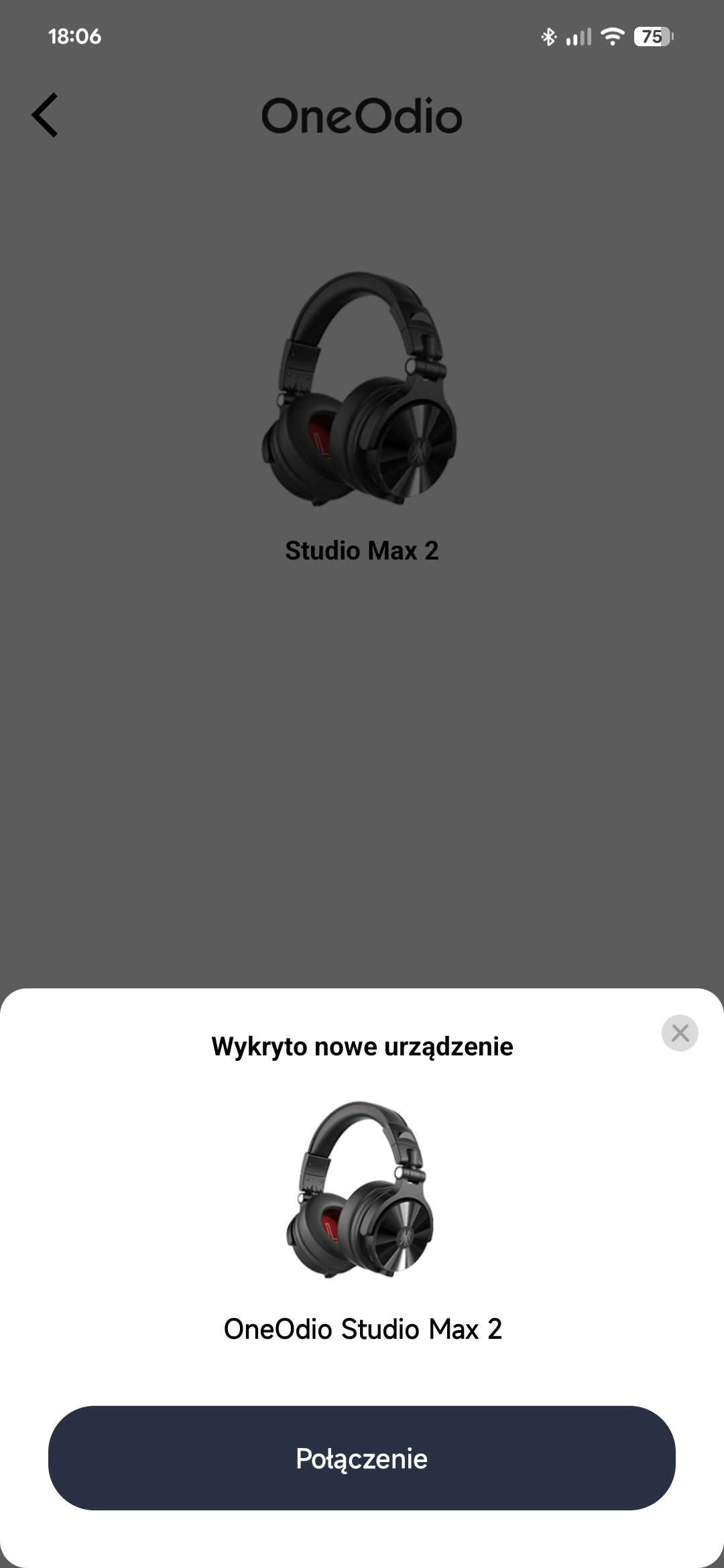
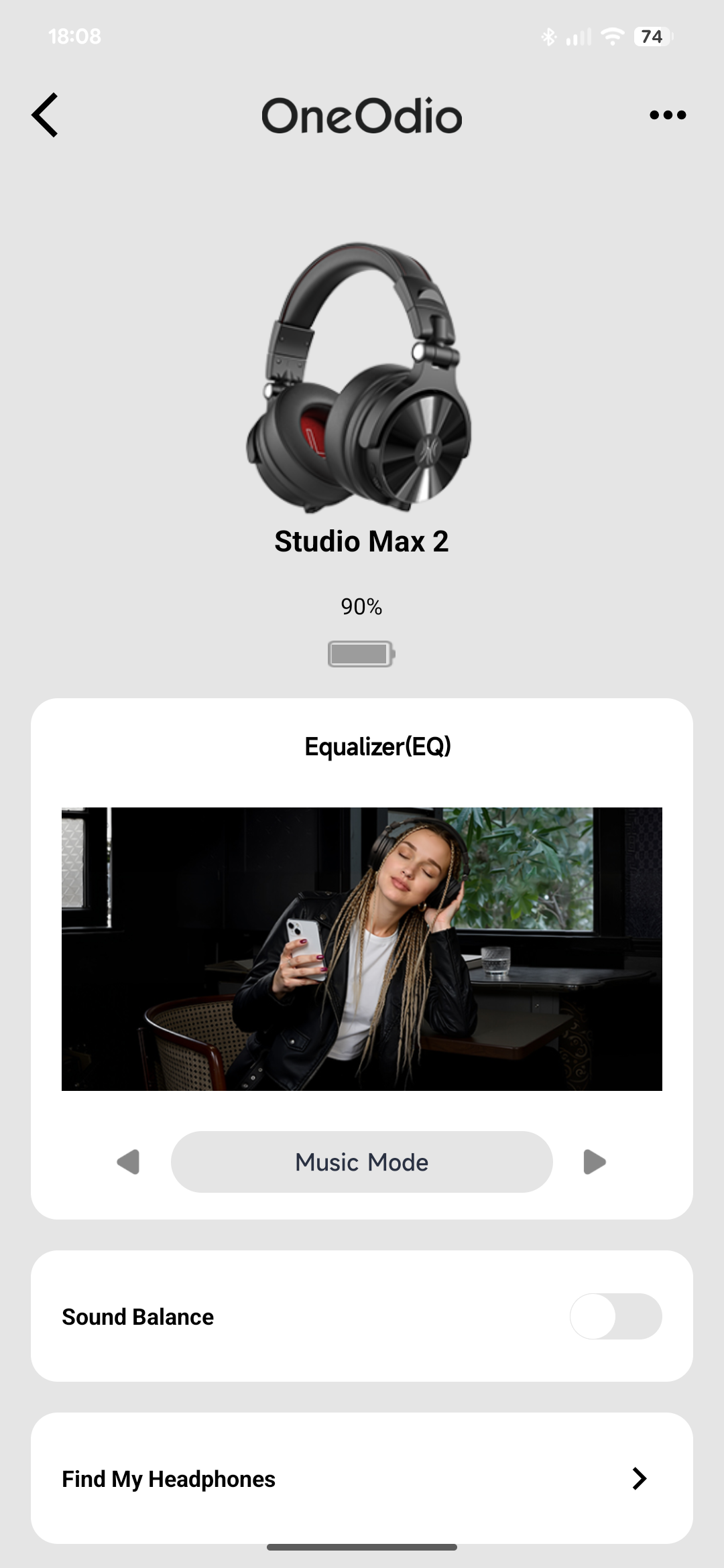
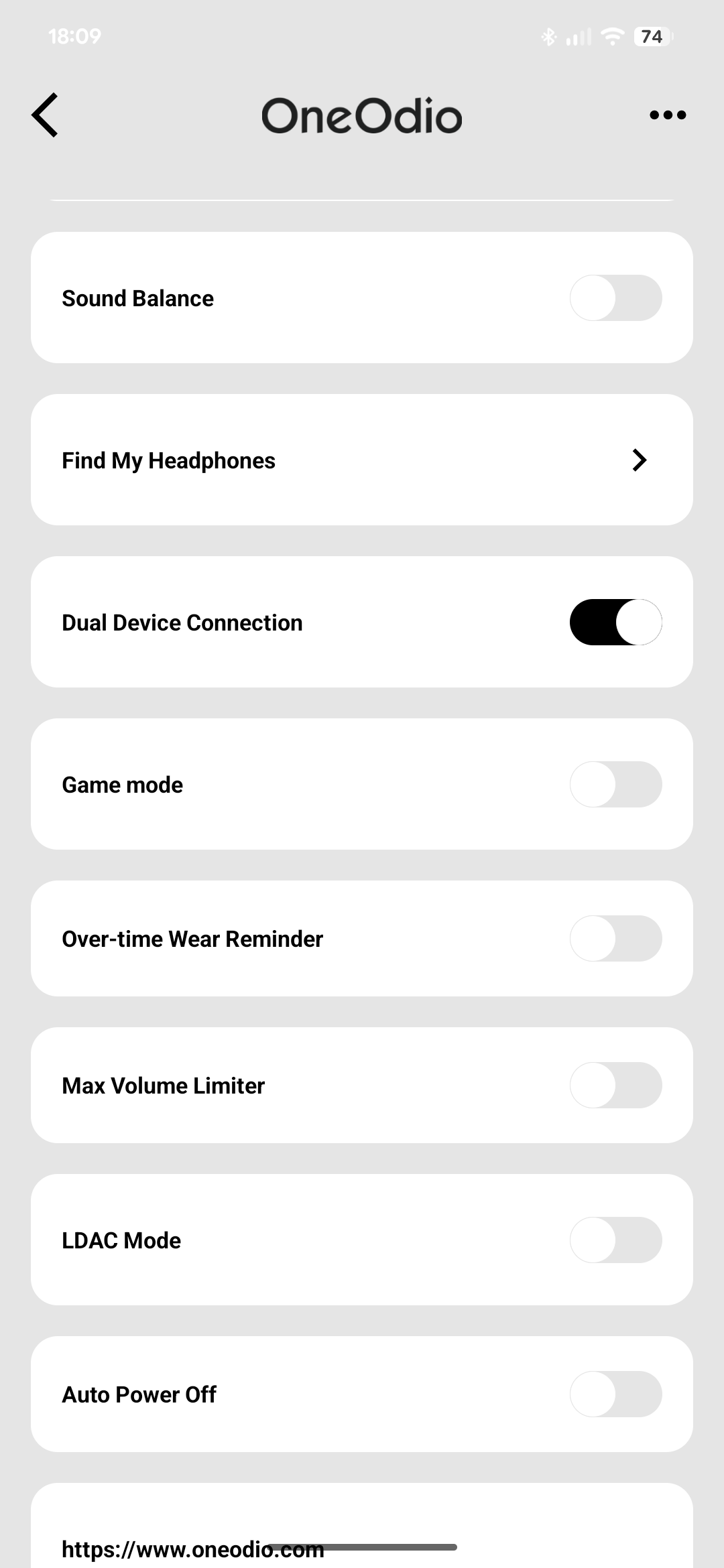
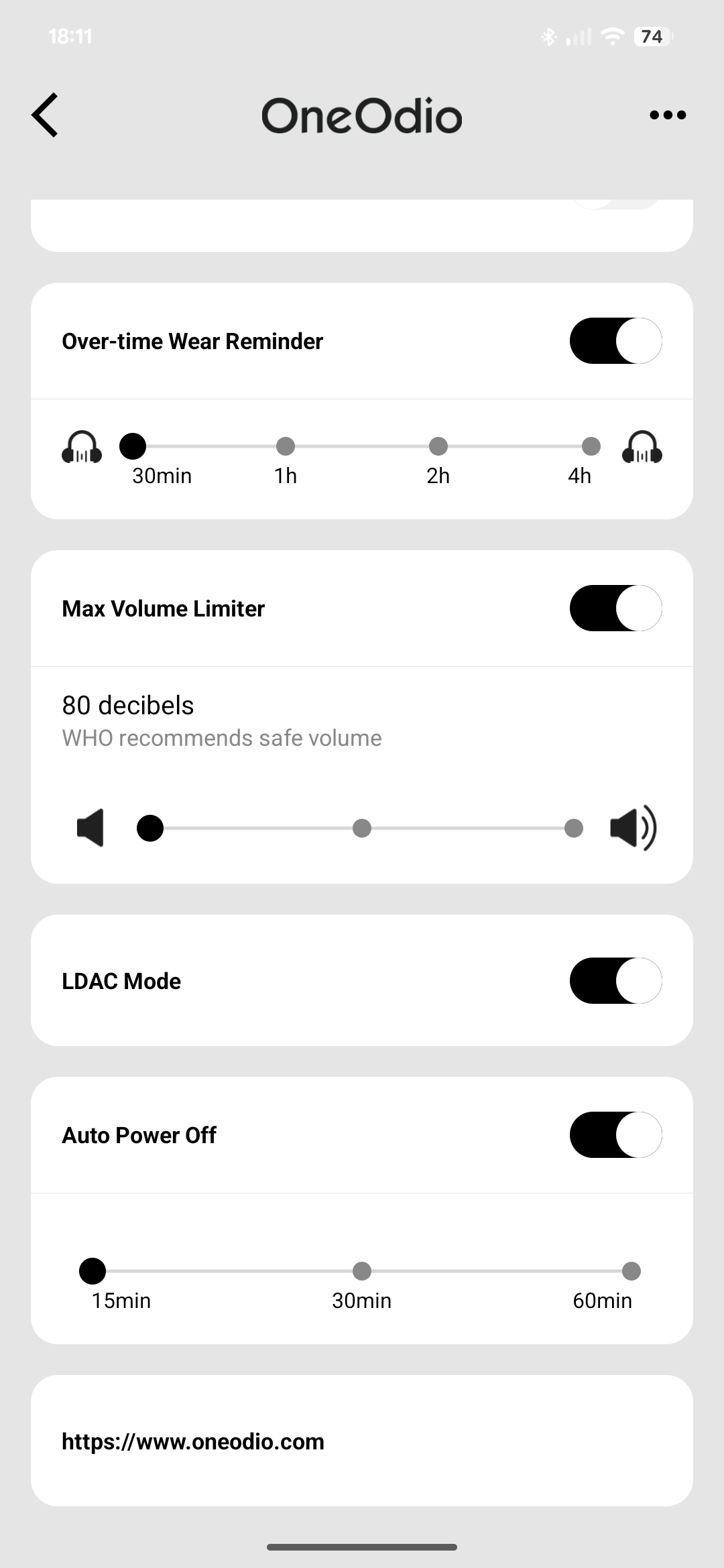
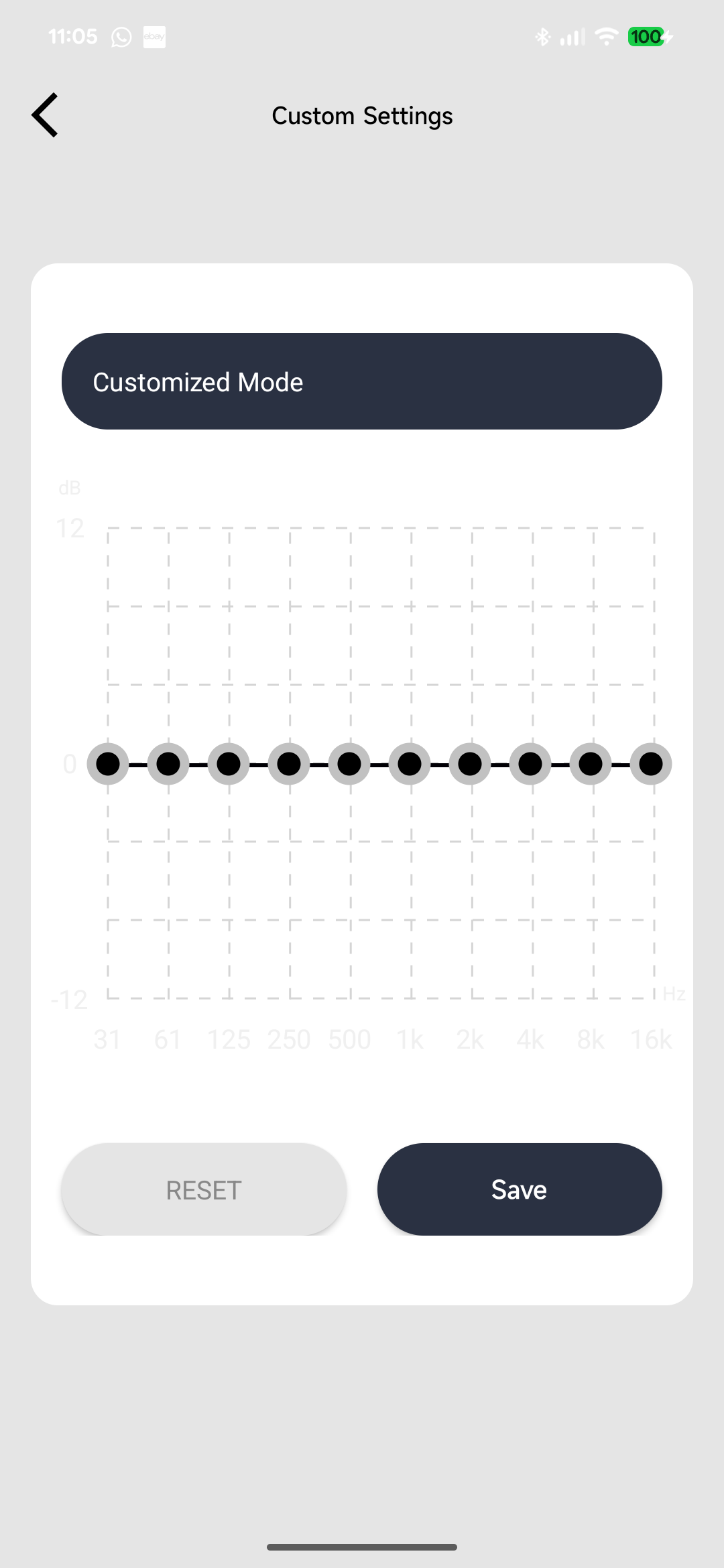
Among the settings, we can find the equaliser with three stock tunings as well as a customisable, 10-band EQ; a channel balance slider; a “find my headphones” feature which emits a very high-volume sound; a toggle for dual-device connectivity; one for game mode; a toggle to enable a reminder to remove your headphones (which you can set to 30 minutes or 1, 2 or 4 hours); a max volume limiter; a toggle to enable LDAC; and an “auto power off” feature (which you can set to 15, 30 or 60 minutes). Through a sub-menu, you can also change the device’s name, disconnect it, remove it from the paired device inside the app, access the manual and set voice prompts language as well as volume (which is quite handy, given that they are very loud by default).
The volume limiter feature offers levels of 80, 86 and 92 dB, but it does not seem to work at all, considering that even at minimum volume with the limiter turned on the headphones are way louder than I can take.
Sound & Specs
I’ve tested the OneOdio Studio Max 2 by using both the transmitter (connected to my computer through a USB cable) and the Bluetooth connection; in the latter case, I used my Google Pixel 7 Pro smartphone.
OneOdio Studio Max 2 |
| Frequency response | 20 – 40,000 Hz |
| Impedance | 34 Ω |
| Sensitivity | 98 dB |
| Bluetooth version | 6.0 |
| Codecs | SBC, AAC, LDAC |
I’ve tested the Studio Max 2 in their default configuration, before even using the application. The default turns out to be “music mode”; a bass mode and a monitoring mode are also present. More on this later.
OneOdio boasts the usage of 45 mm drivers, which are quite large and therefore unusual. In theory, using large drivers should grant better bass response as well as better physicality; in practice, things are different. When it comes to sound, the OneOdio Studio Max 2 are certainly… different. I was quite surprised by the tuning that OneOdio went for, as it is very unlike that of previous products they launched like the Monitor 80: it is very thin and focused mainly on the upper end. The result is a tuning that, if you just want to listen to music, simply sounds wrong. By that I mean that music does not sound the way it should, it sounds unnatural and with emphasis on instruments which shouldn’t be emphasised. As an example, in Air’s Ce Matin La, around the 0:50 mark, the synth playing the upper notes is super emphasised (and, interestingly enough, the emphasis increases as the synths fade away and go up in frequency), and in the following moments the guitar notes take the centre of the stage instead of the horns. This weird change of emphasis permeates the whole frequency response.
Bass is made of a small hump in the mid-bass section around 100 Hz, with a somewhat steep slope on both sides. It barely registers, even in a track like Perturbator’s Neo Tokyo which is normally a bass cannon. That track is completely unrecognisable when listened through the Studio Max 2. Bass sounds monotone, or rather mono-note. Transient speed is acceptable, although bass notes do tend to muddle up quite frequently.
Midrange is very heavily leaning towards the upper area, so much so that anything below 1 kHz is relegated to the background in any track with more than two instruments. I fired up Dimmu Borgir’s Stormblåst just because it’s a heavily layered track full of instruments in the midrange, and everything was drowned by the cymbals. The track was, again, unrecognisable.
Treble is super aggressive. OneOdio boasts a collaboration with DJ KSHMR for the tuning of the headphones, and I wonder whether he has severe hearing loss in the treble area as highs are boosted to a level that is frankly insane – we’re talking about having to remove over 10 dB through equalisation to make them bearable. The default tuning makes my ears ring after just a few minutes. On top of this, and even after applying equalisation, quality simply isn’t there, as cymbals sound fuzzy and without a lot of detail.
The tuning becomes a bit better when you select the “bass” preset in the application, as it adds a bit more bass to get that V-shaped response that DJs look for (although the midrange and treble issues are still there); the “monitoring” mode is even worse than the music mode and should definitely not be used for monitoring anything.
Final Thoughts
I’m not a deejay, and I won’t ever be. I don’t claim to know what deejays want or need. From what I have been able to read online on this subject through multiple online sources, however, the consensus seems to be that DJ headphones need to have powerful lows and sizzling highs. In the case of the OneOdio Studio Max 2, only the latter are present (and go way beyond simply “sizzling”), while bass is simply lost in the mix. More importantly, they completely distort the timbre and tone of virtually all instruments. The frequency response is all over the place. Another point that DJs normally appreciate is passive isolation. The Studio Max 2 offer some, but it’s barely noticeable and certainly not enough to significantly reduce the high volume of music coming from the speakers of a club.
Although the innovation of the ULL connectivity is appreciated, the OneOdio Studio Max 2 are not headphones that I can see a target user of. They are, to put it quite bluntly, some of the worst-sounding headphones I have ever tried (and I have tried many!). They require very heavy equalisation to sound even remotely acceptable, even when taking as a reference the far-from-neutral V-shaped signature that many DJs prefer for live performances; this kind of defeats the point of headphones like these, however.
If the Studio Max 2 offered good acoustic performance, the low-latency RapidWiLL+ technology would make them an interesting proposition for a variety of cases where having low latency is important, from deejaying to monitoring to gaming. As things stand, however, I can’t recommend these headphones at all – at $250, the OneOdio Studio Max 2 are simply in no way competitive, as they are way more expensive than traditional headphones for music production (such as the Audio-Technica ATH-M50X or the RØDE NTH-100) while not being even remotely in the same league when it comes to sound quality. In fact, if you value sound quality in any way, you should look elsewhere.


I think that maybe you had a technical problem with these headphones, because I purchased them and the sound is very good.
Maybe, but so did other reviewers. I simply think this is a case of you liking them, even though they’re not tuned properly (like virtually all of OneOdio’s headphones, but this is another matter entirely). That’s fair enough, and if you do like them nobody should stop you from enjoying them – I certainly won’t!