Womier has built itself a solid reputation in the mechanical keyboard world. The new Womier SK75 TMR is very similar to the previous SK75, with one significant difference: the “TMR” in the name indicates that this model is compatible with magnetic switches. And even more interestingly, it is compatible with traditional mechanical switches, too. One thing to note is that the SK75 remains on the market, so you’ll have to pay attention to what you are buying.
Disclaimer: I received this keyboard free of charge directly from Womier. The SK75 TMR retails for $119.99. Additional information on the official product page.
TL;DR: recap
| Pros |
Cons |
| + Fantastic build quality
+ Compact + 8 kHz polling rate on both wired and wireless connections + Good battery life + Sounds good + Fully programmable with VIA and QMK |
– Weird and inconvenient placement for the power button
– No right alt key limits usability with many languages |
Rating: 8.2/10
Packaging & Accessories
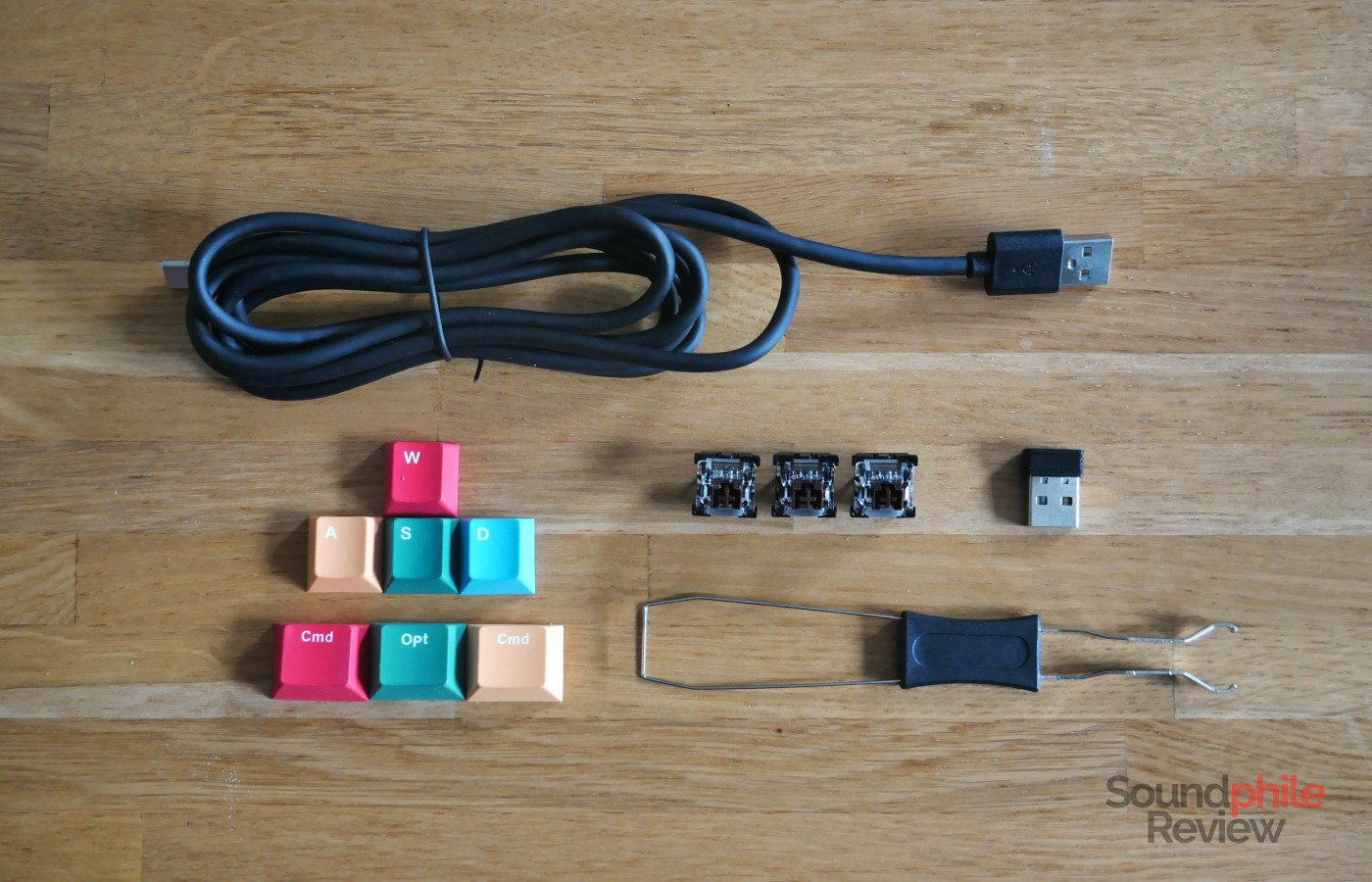
The Womier SK75 TMR comes with a USB-A to USB-C cable, a combo keycap and switch puller, a USB-A wireless dongle, four extra keycaps (the WASD keys, which are coloured respectively in red, yellow, green and blue), three spare switches as well as a manual. It is interesting to note that, contrary to the vast majority of wireless keyboards, the SK75 TMR does not have a slot where you can keep the wireless dongle while not in use.
Design & Build
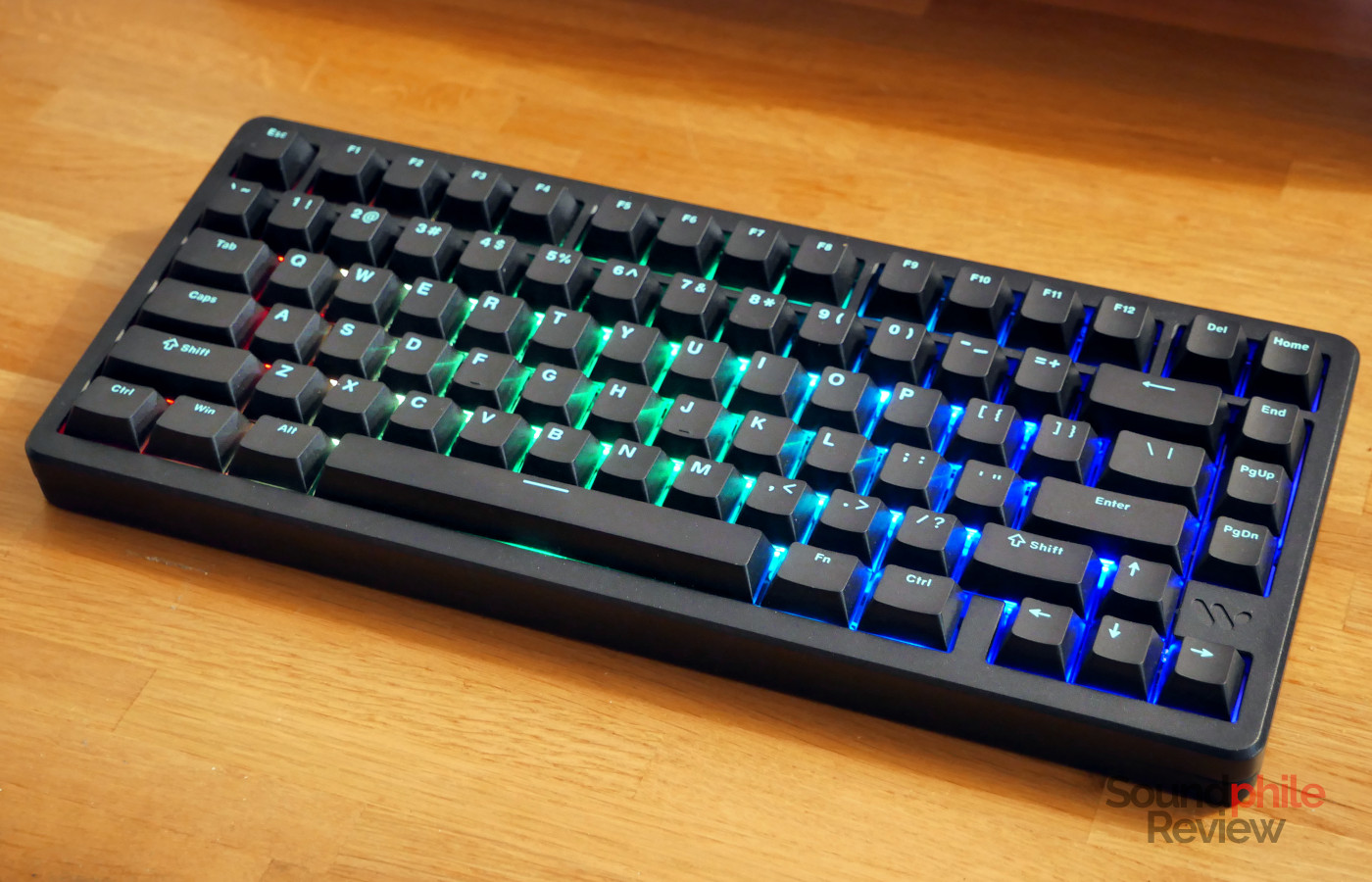
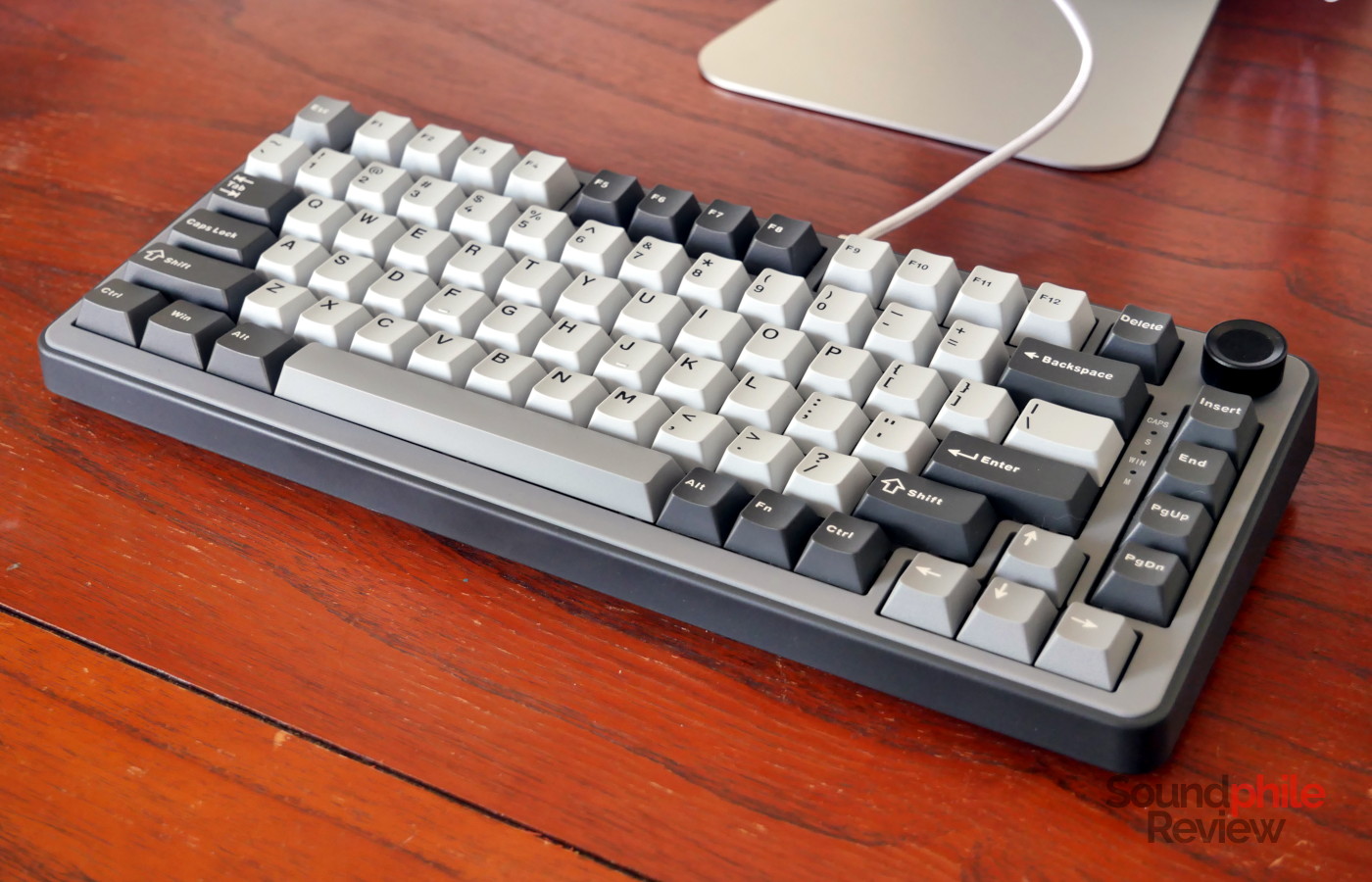
The Womier SK75 TMR is a 75% keyboard with an aluminium chassis which is made of pure metal. This makes it weigh quite a bit, at 2 kg, which also means that it is very stable on the desk and won’t budge easily from its place. The overall weight of the keyboard is also owed to a chrome-coloured weight on the bottom of the chassis, which adds stability as well as a certain flair.
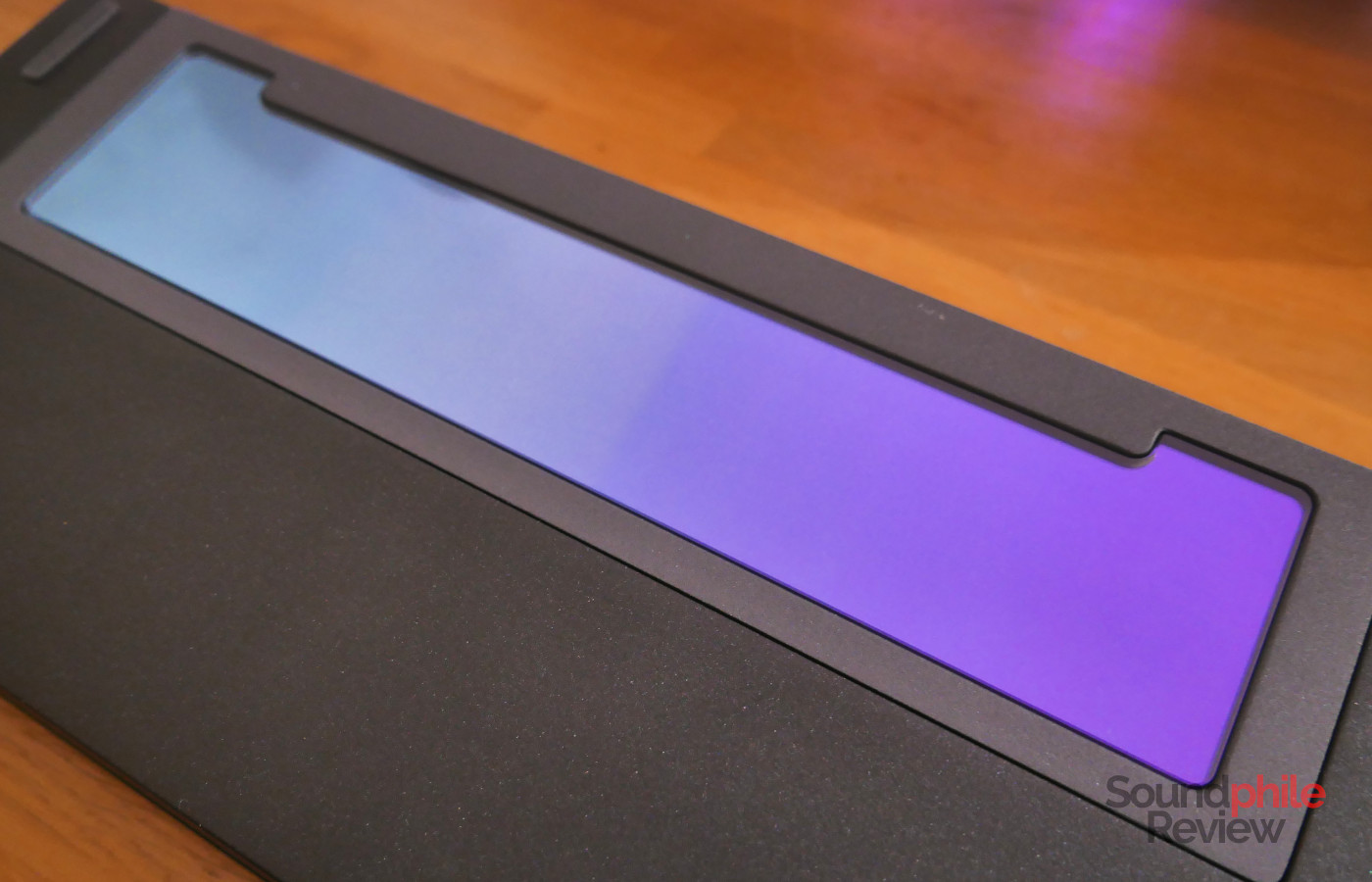
Interestingly, the aluminium is coloured black, but it has small glittering speckles all over it. This appears to be an intentional effect which is a result of the painting process; possibly as a secondary effect, the metal feels slightly coarse, which is oddly satisfying to touch.
Although the SK75 TMR is just a little more than $100, it feels very well built. The chassis is solid metal (which is why the keyboard weighs about 2 kg…) and it’s polished to a high level, and there are some nice touches like the weight on the bottom, sporting a mirror-like finish with a subtle colour that fades from violet to green.
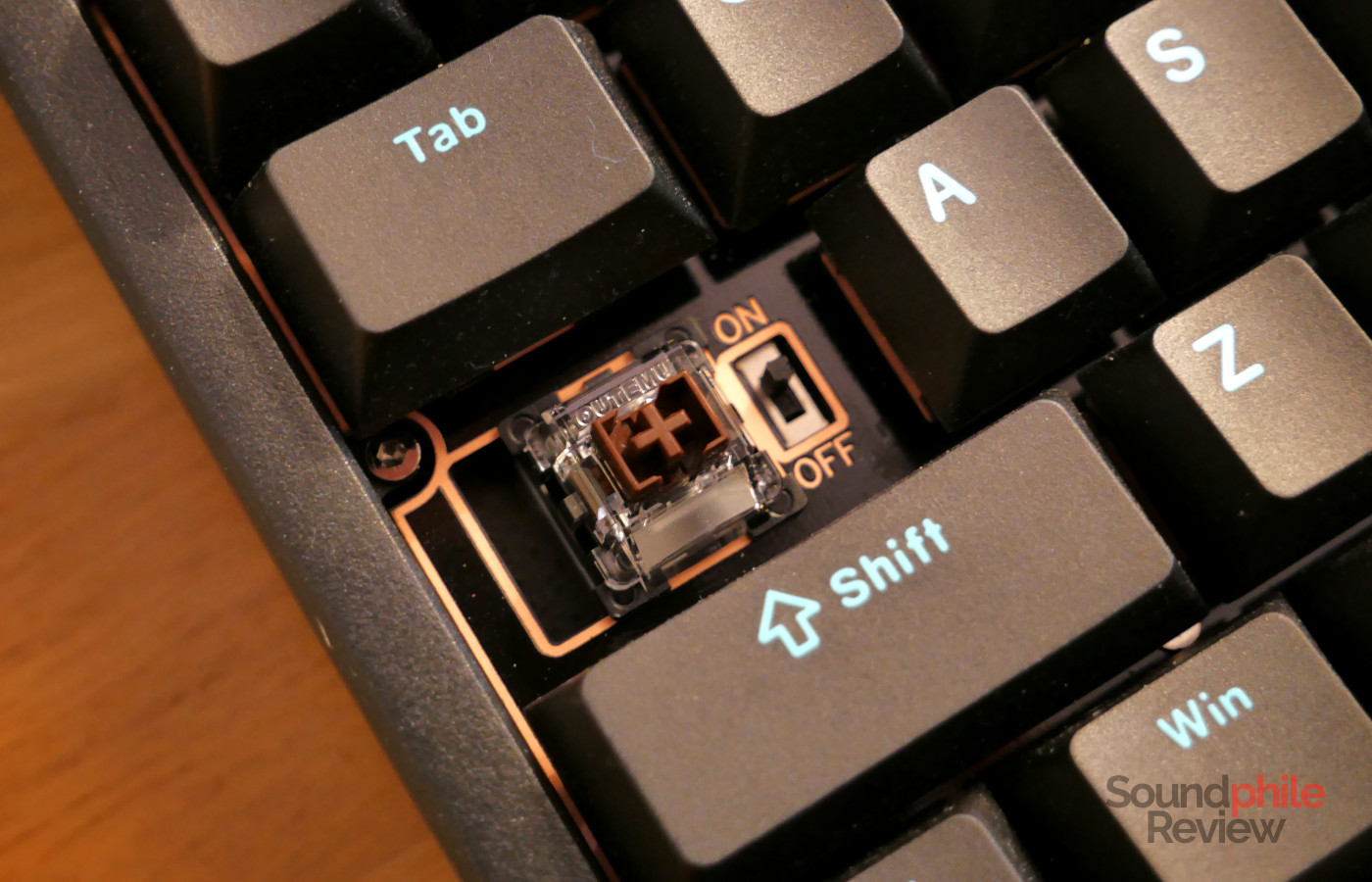
A very unusual thing about the Womier SK75 TMR is that the on/off button is located under the “caps lock” key. You have to physically remove the keycap in order to access the switch, which is less than ideal. Placing it beside the USB-C port would have been far better. The company is aware of the issue and will probably design a different mechanism for the next iteration.
Another unusual, but very useful characteristic of the SK75 TMR is that it supports both mechanical and magnetic switches (both 3 and 5 pin). This allows you to mix and match to get the features you want where you want them; as an example, you could have magnetic switches on the most-used gaming keys (like WASD) and mechanical switches on the rest of the keys to get a better typing experience (like with tactile switches). The company says that you can also use magnetic switches from other companies (e.g. Gateron) and calibrate them through the software.
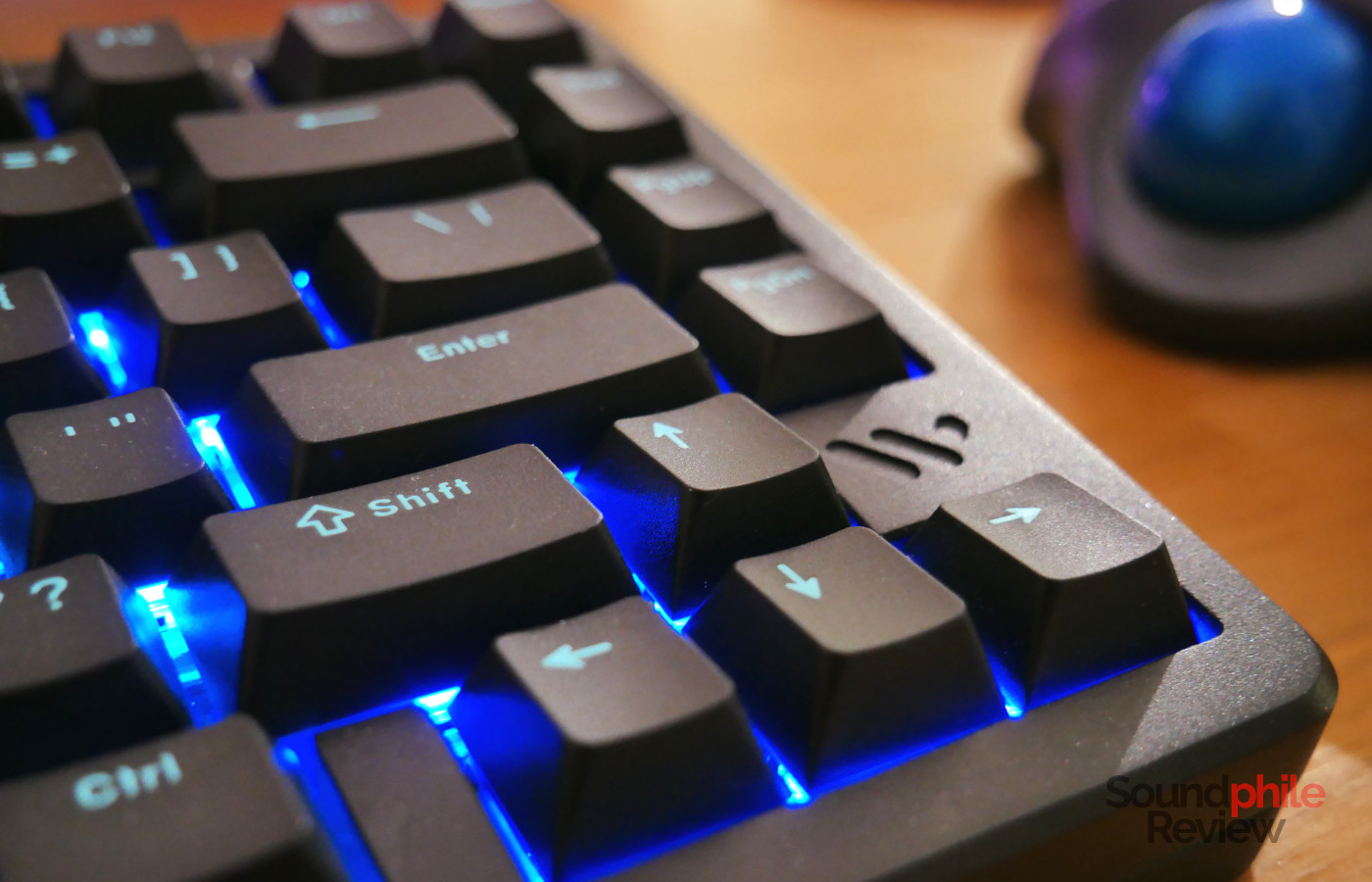
The Womier SK75 TMR only comes with the ANSI layout, with no ISO option. This wouldn’t be an issue, were it not for the fact that there is no “alt” key on the right hand side, just like on the KiiBoom Moonshadow V2. This is fundamental for many European (and, I guess, non-European) languages to input special characters such as the Italian “è” or the Polish “ć”. Yes, you can remap the right “ctrl” key to that, but then you lose that functionality. Using smaller 1U keys and including the right “alt” would have allowed for better flexibility.
Contrary to many (most?) other keyboards nowadays, the SK75 TMR uses a top mount: this means that the plate is screwed directly to the top section of the case, with some advantages and disadvantages compared to gasket mounts. Like most contemporary boards, the Womier SK75 TMR sports South-facing LEDs for better compatibility with Cherry-profile keycaps.
Functionality

The Womier SK75 TMR offers three different options when it comes to connectivity: wired, 2.4 GHz wireless and Bluetooth. While using wired is easy (you just connect a cable…), using wireless requires you to plug in the receiver into your computer and then turn on the keyboard by removing the caps lock key and then flipping the tiny switch under it. Bluetooth follows the same path, except that you don’t need to plug in the receiver and you need to press fn + Q/W/E (the keyboard supports up to three devices, so you can switch between them without needing to re-pair them every time).
In order to change the settings and access the full functionality of the Womier SK75 TMR, you need to use either Womier’s own software or the QMK Web interface (which still requires you to install drivers). In the first case you are limited to Windows, in the second you can also use a Mac; if you, like me, use Linux, you’re out of luck.You also have to use the cable in order to change the settings.

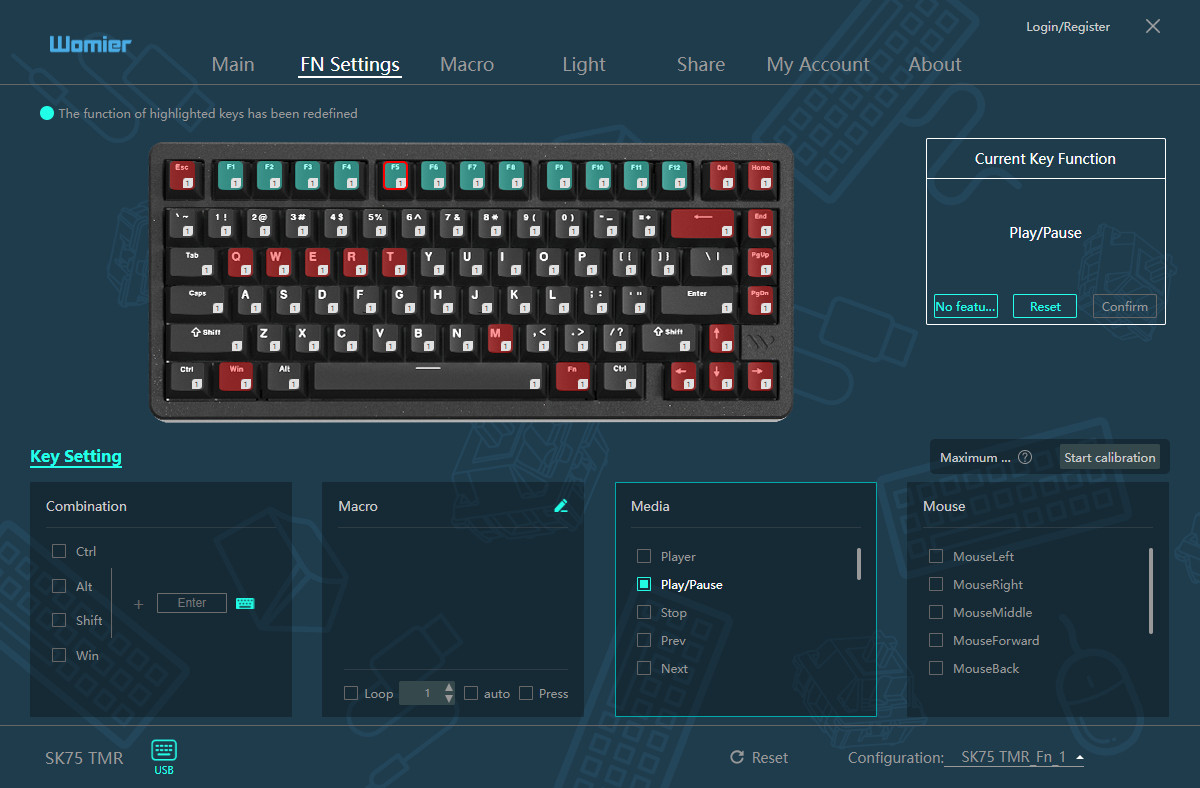
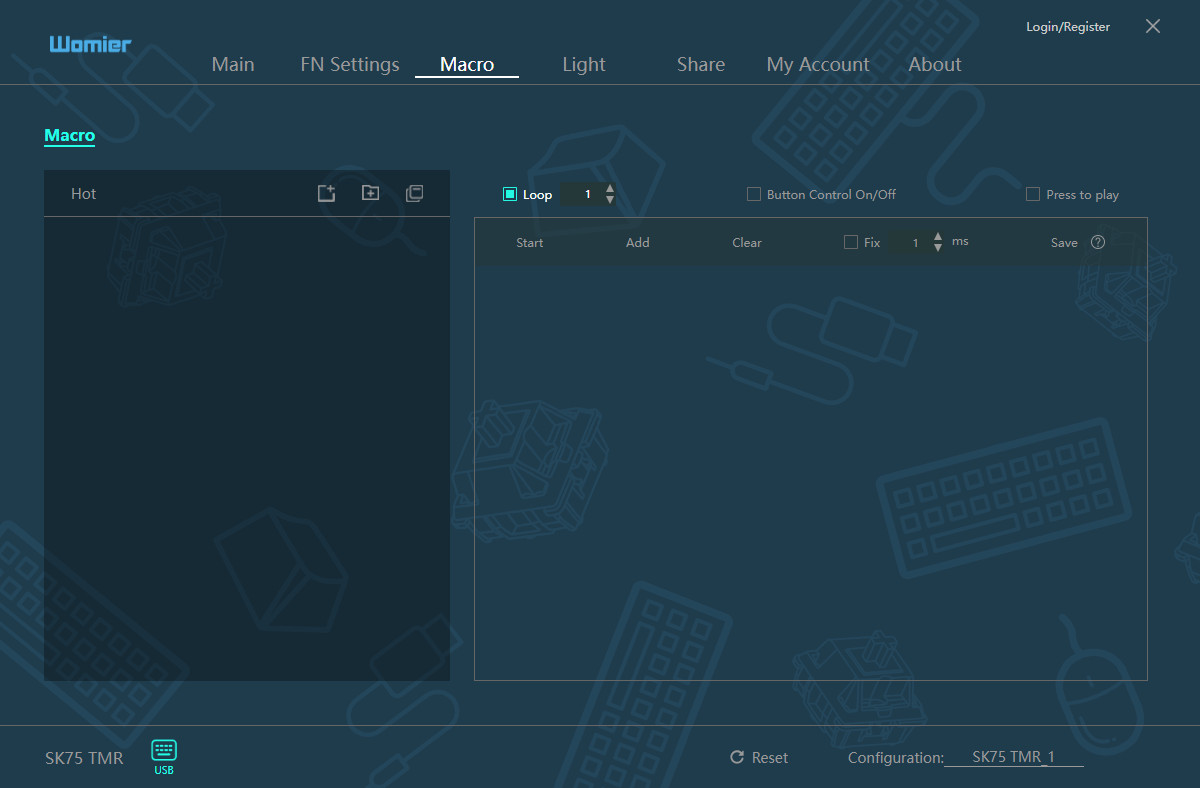
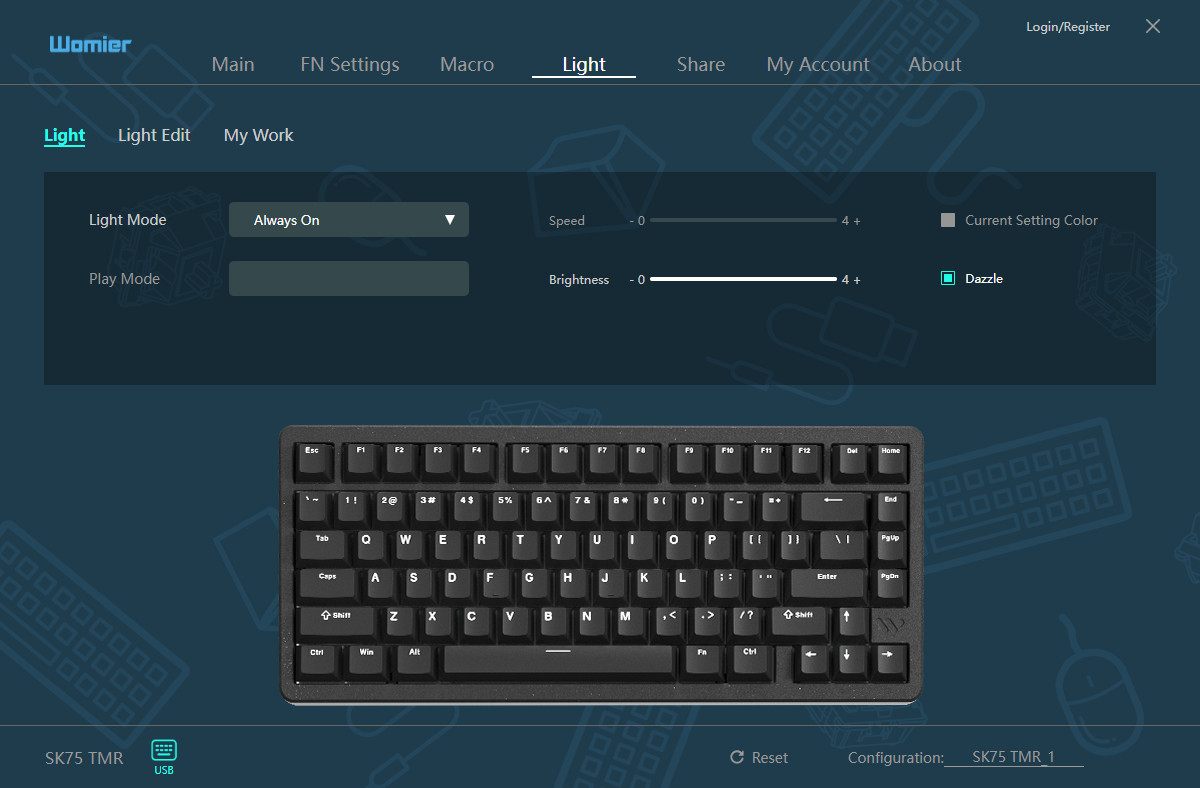
The software is similar to that of many other manufacturers; as an example, it is almost identical to the one provided with the Yunzii RT75. It is quite complete as it allows you to change almost any element, from individual keys to macros and the “Fn” layer. It also allows you to set the activation distance for each individual switch, which is the main selling point and distinctive feature of the magnetic switches.
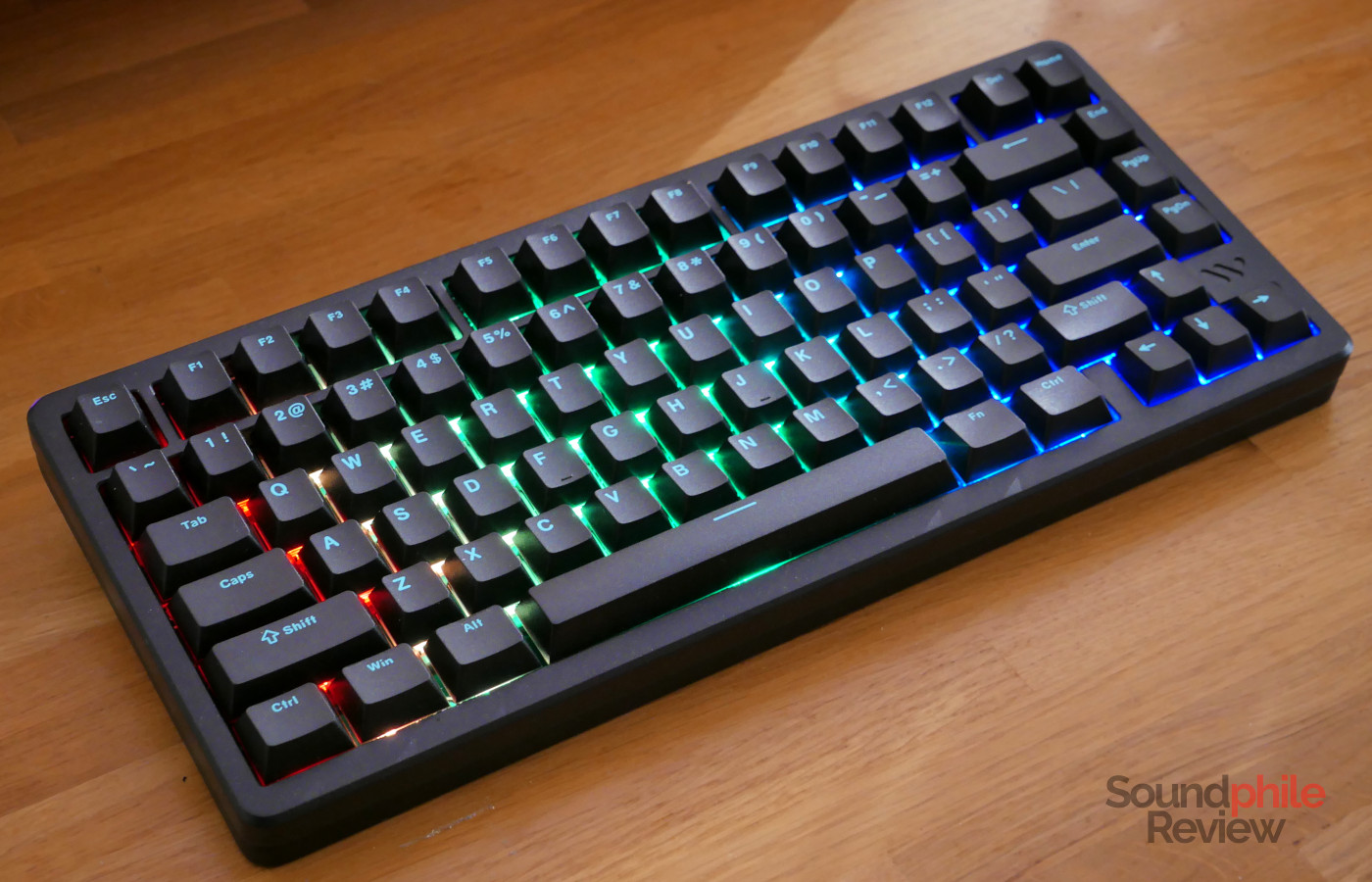
There are 17 RGB effects which include rainbow waves, ripples and a “snake” going through all keys.
Typing
The Womier SK75 TMR comes with custom switches built by Outemu. they have an activation force of 40 g, which makes them rather lightweight, with 3.5 mm total travel and an actuation distance which can be set between 0.1 and 3.5 mm. The housing is made of polycarbonate, while the stem is made of POM (polyoxymethylene). They are very smooth and easy to type with thanks to their low weight. There is very limited wobble.
The company claims an astoundingly fast 0.125 ms response time, which is equivalent to 8,000 Hz polling rate. This is made possible by the tunnel magnetoresistance (TMR, which explains the name of the keyboard!) sensing technology. Interestingly enough, this is actually a quantum phenomenon! It makes the response from the keyboard feel instant, whether you are using the cable or the wireless adaptor.
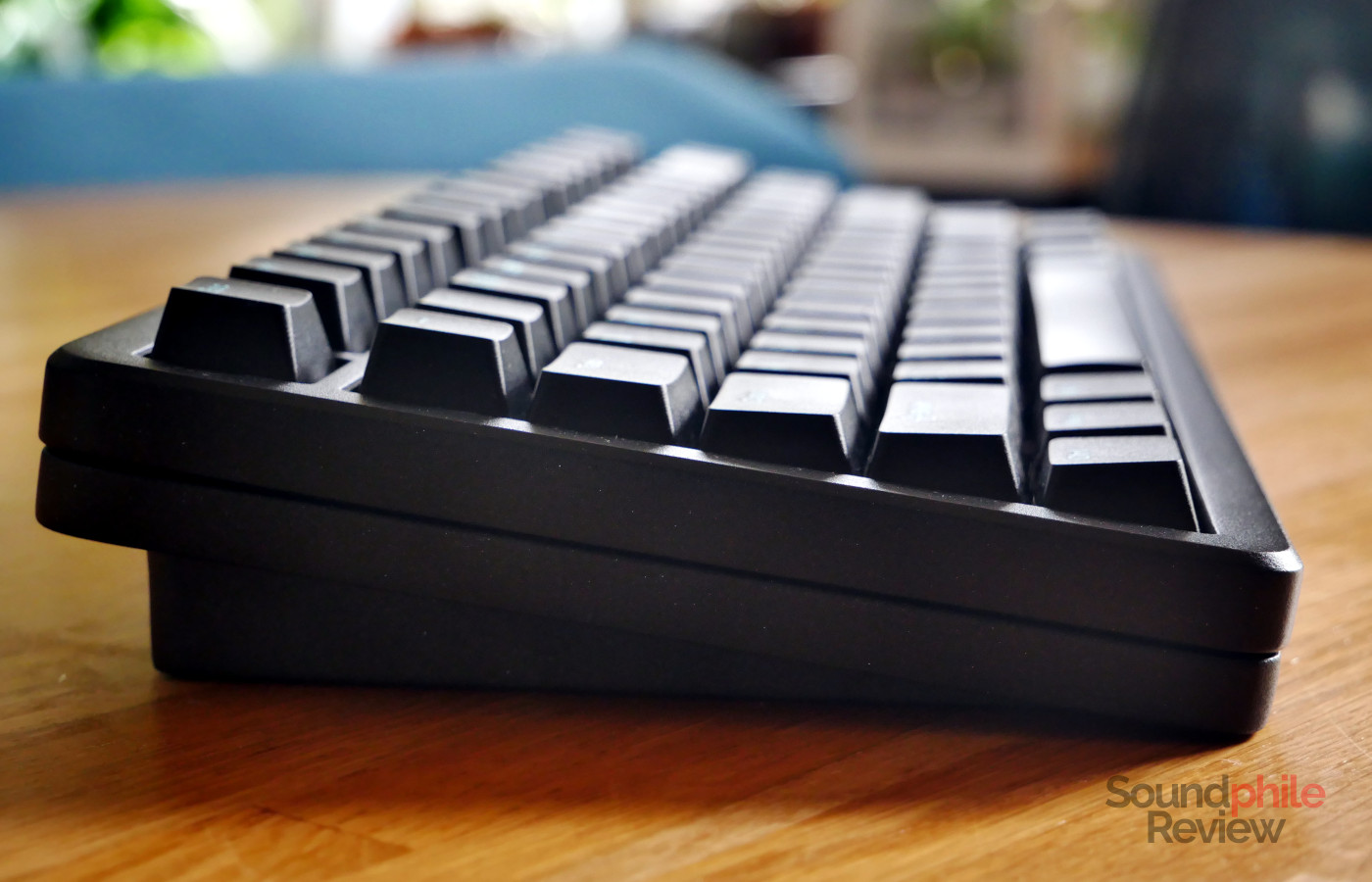
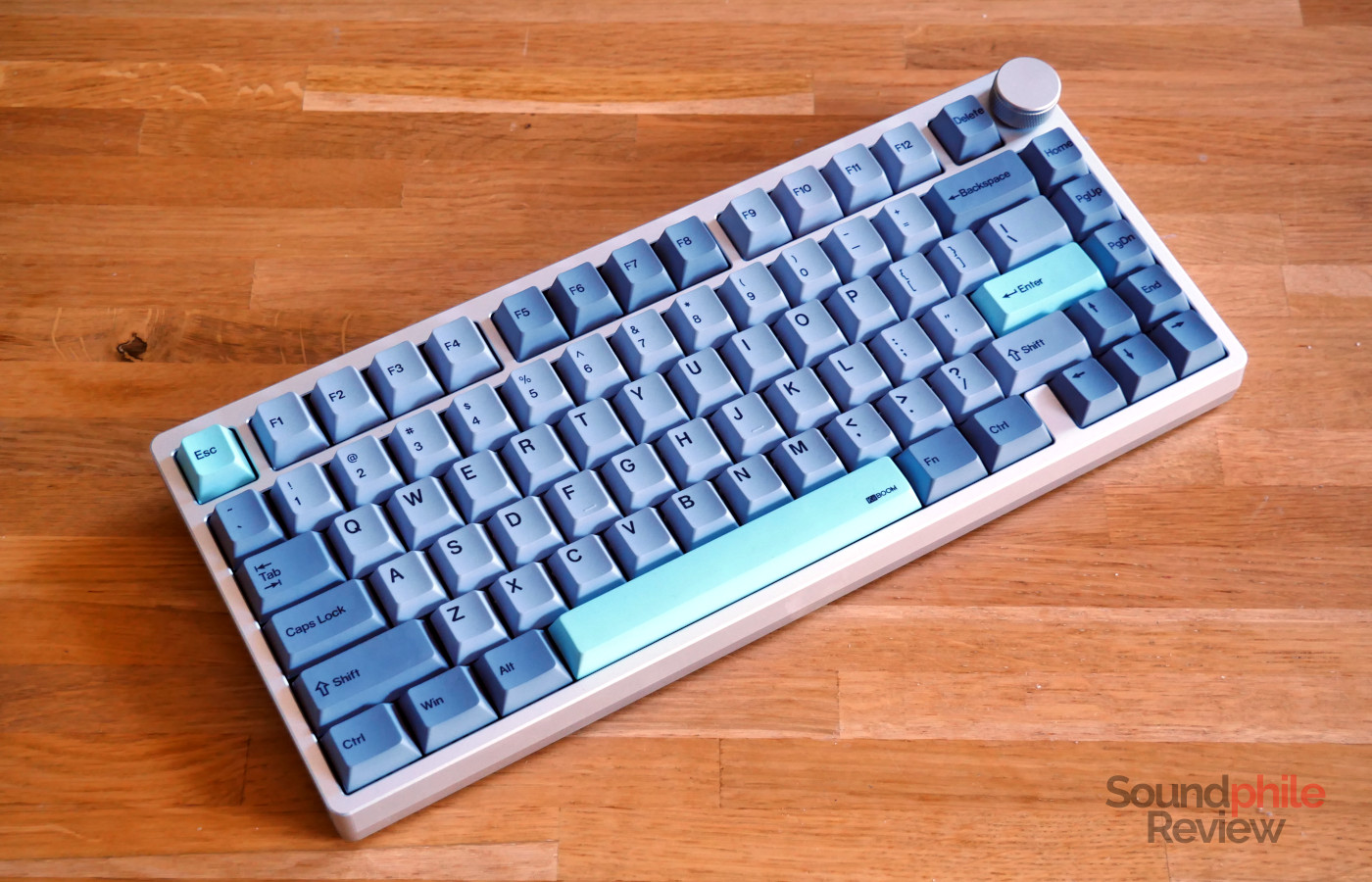
The SK75 TMR comes with a set of Cherry profile double-shot PBT keycaps. Among stock keycaps, this is possibly the best I’ve tried so far, as the keys have a “matte” feeling to them – they’re slightly coarse to the touch, which both adds grip and makes them feel like they’re better quality (though the latter is an entirely subjective statement, so take it with a pinch of salt!). One thing to note is that, being they double-shot PBT with no transparency, the RGB lights coming from the board will not make the legends more visible in the dark.
I like typing on the Womier SK75 TMR a lot, even for longer texts like this review. I’ve tested the keyboard without altering any settings for most of the time and I found that the default settings work really well for general usage which includes both typing and gaming. The light weight makes it easy to press all keys fast and with great accuracy; this is an advantage in both scenarios.
The top mount means that the board feels completely solid and offers no play whatsoever – if you press down hard, it just doesn’t budge. This makes the keyboard feel very solid and sturdy, and I personally like that it feels quite “snappy” and rigid, though never stiff. It is also very consistent in how it makes keys feel across the board, as they all offer very similar levels of rigidity.
I recorded the SK75 TMR using a Maono PD200W microphone:
In terms of sound, the SK75 TMR sounds like a mix between a gasket mount and a tray mount: it has the deeper, “thocky” sound of a gasket mount, but it also has a more pronounced high-end component to it that makes it sound crispier. It is audible in a silent room, but not so much so that it becomes overbearing; this is due to the usage of PORON foam under the plate and a PET film and EPDM foam on the bottom to reduce the sound. Overall, I find it works really well as it strikes a good balance.
Battery Life
The Womier SK75 TMR sports an 8,000 mAh battery which provides very long battery life. I used the keyboard for nearly a month before it required charging, although I didn’t use any RGB lighting. The keyboard goes into sleep mode after two minutes of inactivity to save battery, and it immediately wakes up when you press any keys.
Final Thoughts
I’m impressed with the Womier SK75 TMR as it delivers a great typing experience, superb build quality and good customisability. The keyboard is built very solidly and comes with great keycaps, too. From the perspective of functionality, it offers some features that set it apart from the competitors (like the fact that it still offers an 8 kHz polling rate when using it wirelessly) and it is easily customisable to the way you want it. As the proverbial cherry on top, it also sounds great. The only real downside is the weird placement of the power button.
In short, then, the Womier SK75 TMR is a great keyboard – and especially so at its price of $119.99. That is why I can easily recommend it as a solid keyboard that delivers on all fronts while remaining affordable.